Best Minecraft Mods for Realistic Graphics


Best Minecraft Mods for Realistic Graphics (2025 Updated)
Minecraft’s iconic blocky style is timeless, but many players seek a more immersive, realistic visual experience. In 2025, the modding community offers a wide range of options—from shaders that transform lighting and water to mods that overhaul terrain, physics, seasons, and texture detail. Below is a comprehensive list of the top mods and shaders that bring realistic graphics to Minecraft.
1. OptiFine (with Shader Support)
Overview:
OptiFine remains one of the most important graphics mods because it boosts performance and enables the use of shader packs, which are essential if you want realistic lighting, shadows, water effects, and atmospheric visuals. It also includes advanced video settings to tune graphics quality to your hardware. (The Times of India)
Best For: Shader compatibility and performance optimization.
2. Realistic Shader Packs (Multiple Choices)
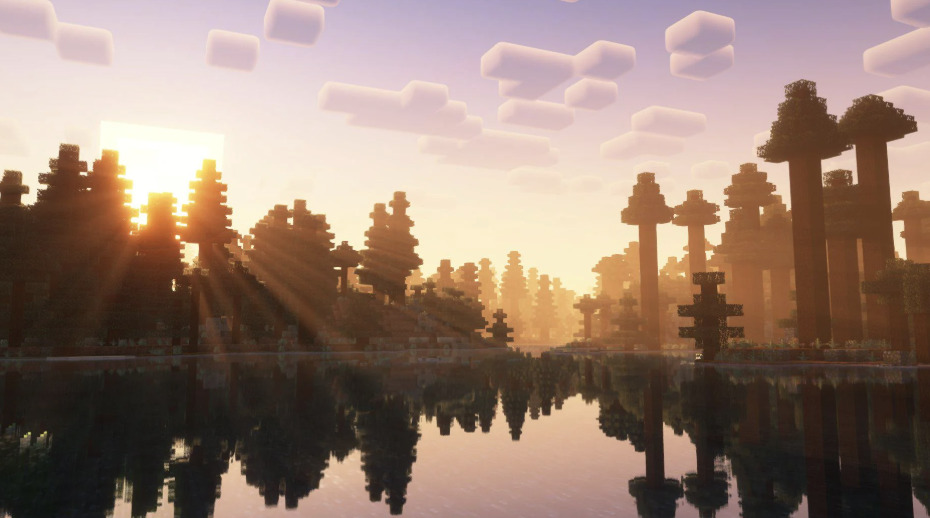
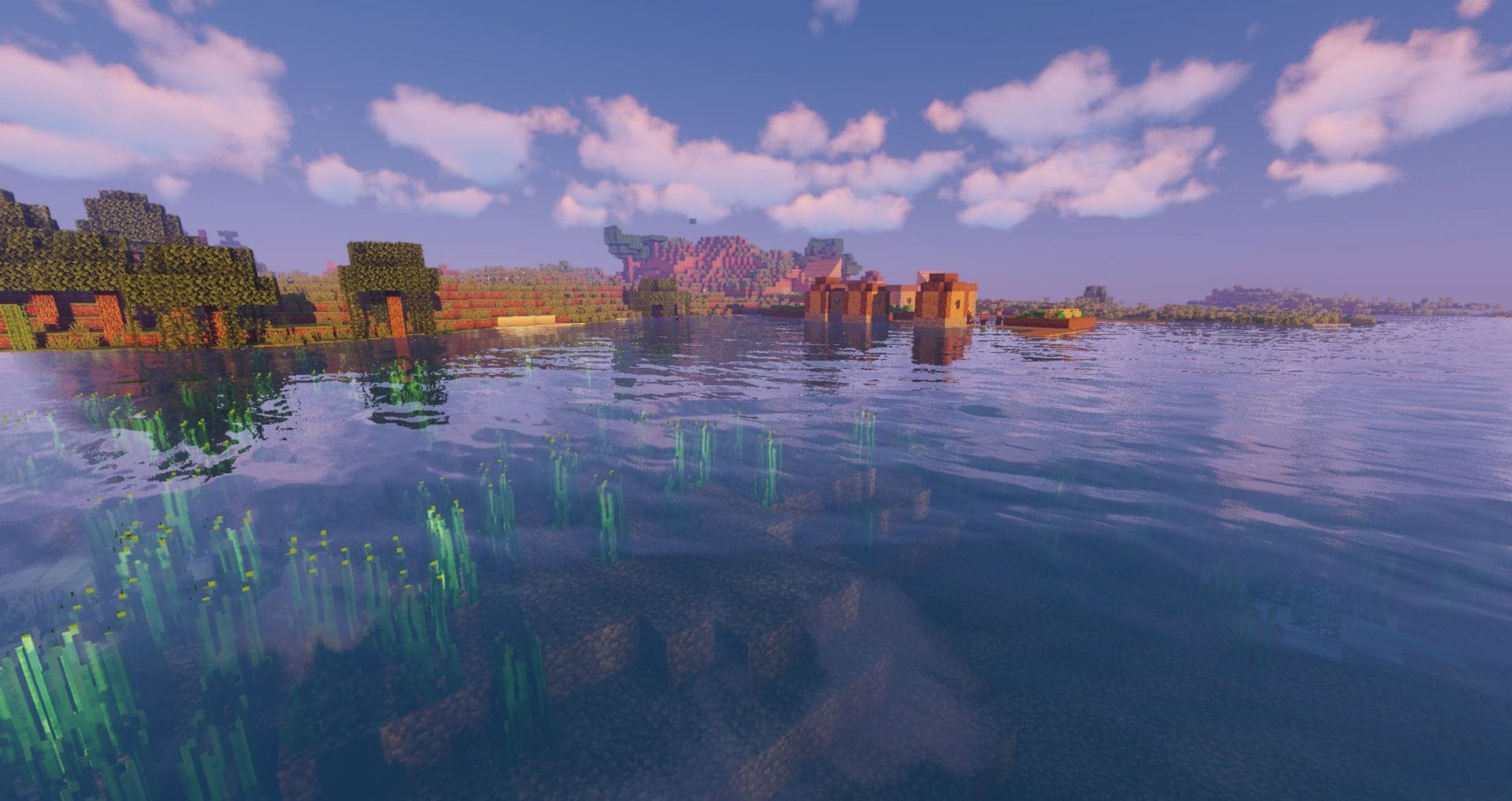
Shaders fundamentally change how Minecraft renders light, shadows, sky, water, and reflections—bringing visuals closer to realistic graphics.
Complementary Shaders – Renowned for smooth lighting, realistic clouds, and water reflections. (PCGamesN)
Photon Shaders – Focuses on detailed skies, realistic sunsets, and lighting effects. (PCGamesN)
Kappa Shader – Adds soft clouds, water realism, and depth effects (lens flare, depth of field). (PCGamesN)
Shader packs like these are featured among the top shader packs in 2025 for enhancing realism while offering customization for performance vs visual fidelity. (YouTube)
3. Realistic MC Graphics / Mod Collections
Mod Collections:
Certain curated mod collections focus on visual realism by combining multiple texture enhancements, shaders, and environment mods. For example, community collections on platforms like Modrinth integrate realistic visuals while maintaining Minecraft’s stylistic identity. (Modrinth)
Best For: Players who want a ready-made visual overhaul with minimal configuration.
4. Realism Texture / Resource Packs
High-Resolution Packs:
Texture packs with realistic visuals replace vanilla block textures with high-detail textures (often 256× or 512× resolution). These can bring terrain, water, flora, and materials closer to real-world visuals when paired with shaders. (Minecraft Resource & Texture Packs)
Note: High-resolution packs may impact performance. This approach is best for mid- to high-end PCs.
5. Minecraft Realism Mods (Gameplay + Graphics)
Some mods improve the realism of environmental behavior—which contributes to a more believable world:
Physics Mod – Applies physics rules: blocks break into pieces, ragdoll effects on mobs, items fall naturally. (Beebom)
Realistic Torches – Torches extinguish over time unless maintained, adding immersion. (Beebom)
Tectonic – Adjusts world generation with smoother terrain, deeper oceans, dune formations, and realistic landscapes. (Beebom)
Serene Seasons – Adds seasonal changes to biomes, affecting vegetation colors and environmental conditions. (Beebom)
Chirpy’s Wildlife – Introduces many real-world animals and insects, enhancing biome life and atmosphere. (Beebom)
Panda’s Falling Trees – Trees fall realistically when cut down instead of disintegrating instantly. (Beebom)
These mods don’t directly change lighting or textures, but they enhance environmental realism, making the world feel more dynamic and believable.
How to Combine for Maximum Realism
For photorealistic visuals in Minecraft:
Install OptiFine (or mod loaders like Fabric with Iris + Sodium for shader support). (The Times of India)
Choose a realistic shader pack (Complementary, Photon, Kappa). (YouTube)
Add high-resolution texture packs if your PC can handle them. (Minecraft Resource & Texture Packs)
Add realism-focused mods (Physics, Tectonic, Serene Seasons, etc.). (Beebom)
Adjust video settings for optimal balance between appearance and performance.
Conclusion
Whether you want subtle improvements or a complete visual transformation, the mod scene in 2025 offers plenty of ways to make Minecraft look dramatically more realistic. Shaders are the core technology for enhanced lighting and atmosphere, while texture packs and gameplay realism mods deepen immersion through environment behavior and detail. Combining these elements creates some of the most visually stunning Minecraft experiences possible today. (YouTube)


Comments
Post a Comment