Top Minecraft Shader Mods for Low-End PCs


Top Minecraft Shader Mods for Low-End PCs (2025 Updated)
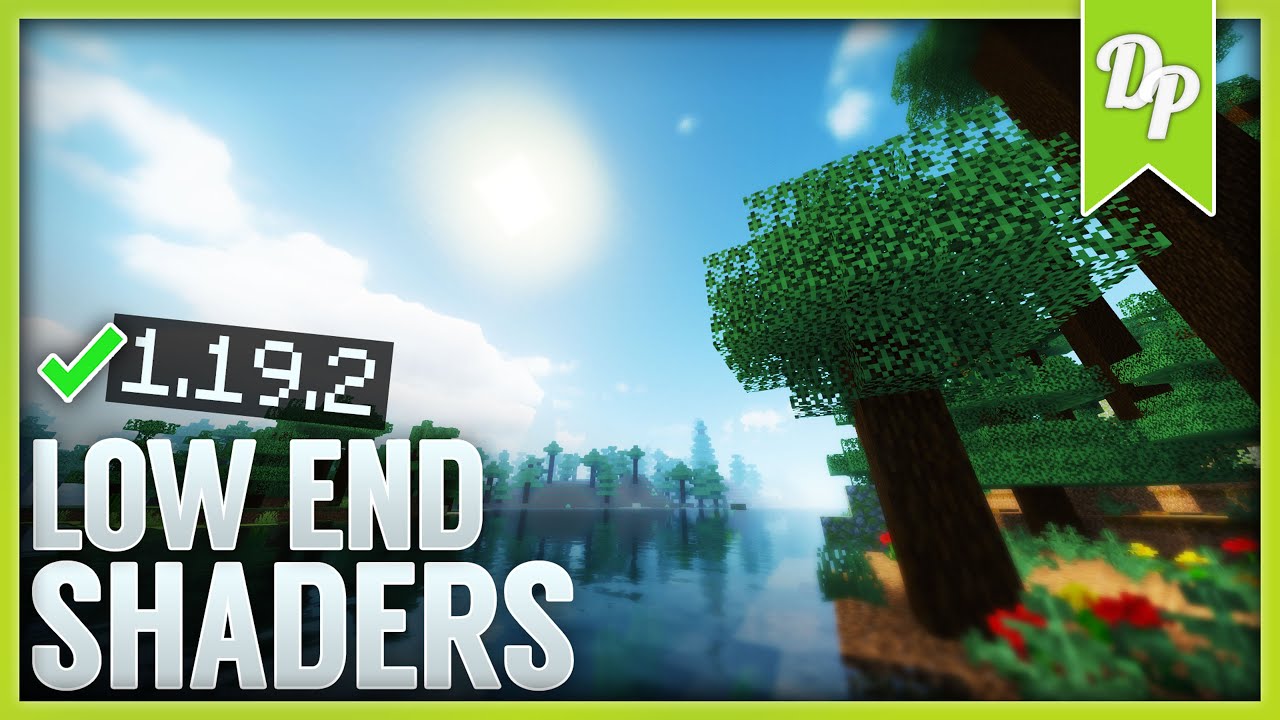
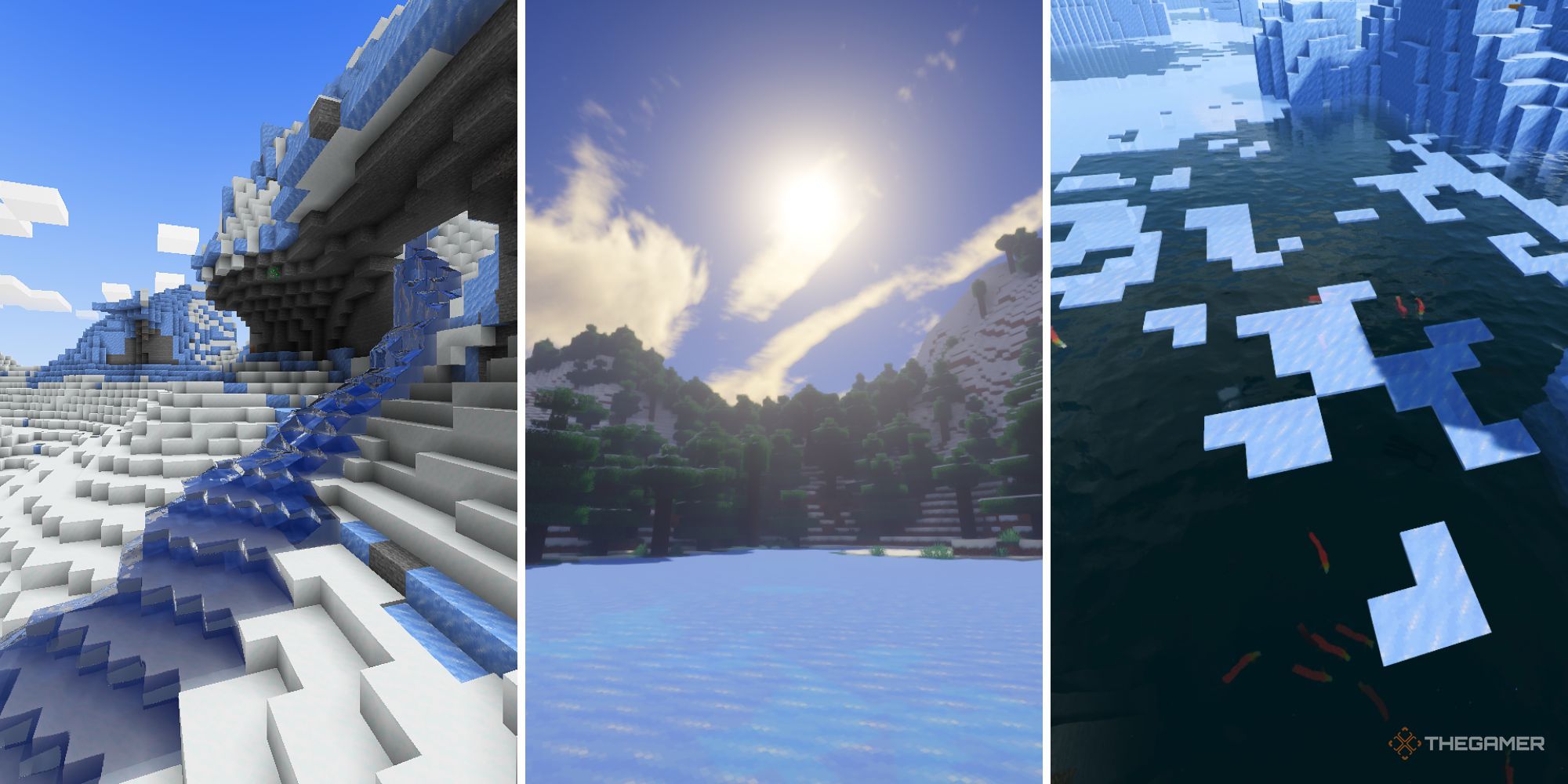
Minecraft shaders dramatically enhance visuals—lighting, shadows, reflections, and atmosphere—but standard shader packs often require powerful hardware and dedicated GPUs. For players on low-end PCs (integrated graphics, limited VRAM, older CPUs), there are optimized shader mods that deliver richer visuals without sacrificing performance. This guide presents the best shader options in 2025 tailored for low-end systems.
What Makes a Shader “Low-End Friendly”?
Before listing specific shader packs, it helps to understand what makes these suitable for low-end hardware:
Performance-Driven Choices
Simplified lighting and shadows
Lower texture complexity
Minimal post-processing effects
Support for reduced render distances
Options to toggle features for performance scaling
Compatibility
Works with lightweight mod loaders like Fabric
Supports Minecraft versions common in 2025 (e.g., 1.20+ variants)
Adjustable settings to balance visuals vs FPS
1. Sildur’s Shaders (Lite / Vibrant Low)
Overview: A long-time community favorite with tiered presets. The Lite and Vibrant (low settings) versions are designed for performance.
Why It’s Great
Dynamic lighting and water effects without heavy overhead
Works well on integrated GPUs
Customizable settings let you lower features like shadows and bloom
Best For: Players who want a noticeable improvement over vanilla visuals while keeping playable FPS.
2. Chocapic13’s Shaders (Low / Lite)
Overview: Known for aesthetic enhancement with a range of performance profiles. The Low / Lite presets strip out intensive effects while retaining quality.
Key Benefits
Soft lighting and natural colors
Scalable from low to higher settings as your system allows
Good balance between visual fidelity and speed
Best For: Users who prioritize ambience and lighting without major performance hits.
3. Kappa Shader (Low/Medium)
Overview: A highly optimized shader pack with configurable profiles for different hardware tiers, including low-end.
Performance Tips
Start with the lowest settings and incrementally enable effects
Disable excess bloom and shadow detail
Works smoothly with Fabric (via Iris)
Best For: Players who want flexibility in performance tuning.
4. Complementary Shaders Lite
Overview: A streamlined shader designed to mimic realistic lighting without taxing the GPU.
Advantages
Soft shadows and ambient occlusion
Enhanced sky gradients
Less demanding than full shader packs
Best For: Systems struggling with heavier shaders yet seeking pleasant lighting enhancements.
5. MrMeepz’ Shaders (Lite / Low)
Overview: A shader known for subtle improvements that don’t kill performance.
Why Choose It
Slight color enhancements
Improved contrast and sky lighting
Works well with lower render distances
Best For: Players on very modest hardware who want an upgrade over vanilla visuals.
Tools to Improve Shader Performance on Low-End PCs
Even lightweight shaders benefit from additional optimizations:
Iris Shaders + Sodium (Fabric Mod Loader)
This combination dramatically improves performance and compatibility of shaders on Fabric. Sodium increases FPS, Iris adds shader support. Ideal for low-end PCs.
Install: Fabric -> Sodium -> Iris -> chosen shader pack.
OptiFine (Forge or standalone)
Adds advanced video settings that help control shader performance:
Lower render distance
Disable or reduce smooth lighting
Turn off fancy graphics
Lower particles
Video Settings Tips
Render Distance: 8–12 chunks (lower for integrated graphics)
Smooth Lighting: Off or Minimum
Clouds: Off
Particles: Minimal
VSync: Off
How to Install Shader Mods (Quick Guide)
Choose your mod loader
Fabric (recommended for low-end performance with Sodium + Iris)
Forge (supports many mods but can be heavier)
Install Fabric/Forge for your Minecraft version
Download performance mods
Sodium
Iris (with Fabric)
Optional: OptiFine (if not using Fabric)
Download your shader pack (.zip)
Place shader pack into:
\.minecraft\shaderpacks\Launch Minecraft > Options > Video Settings > Shaders
Select your shader and adjust settings for performance
Final Recommendations
| Shader Pack | Low-End Suitability | Visual Boost | Customizability |
|---|---|---|---|
| Sildur’s Lite/Vibrant Low | Excellent | Strong | High |
| Chocapic13 Low/Lite | Very Good | Moderate | High |
| Kappa Low/Medium | Good | Modest | Very High |
| Complementary Shaders Lite | Good | Subtle | Medium |
| MrMeepz’ Low | Excellent | Modest | Medium |
Conclusion
With the right shader pack and performance tweaks, low-end PCs can enjoy enhanced Minecraft visuals without sacrificing gameplay smoothness. Focus on Lite/Low presets, use performance mods like Sodium and Iris, and adjust Minecraft settings to match your hardware capabilities.
Comments
Post a Comment